


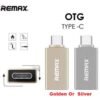

Description
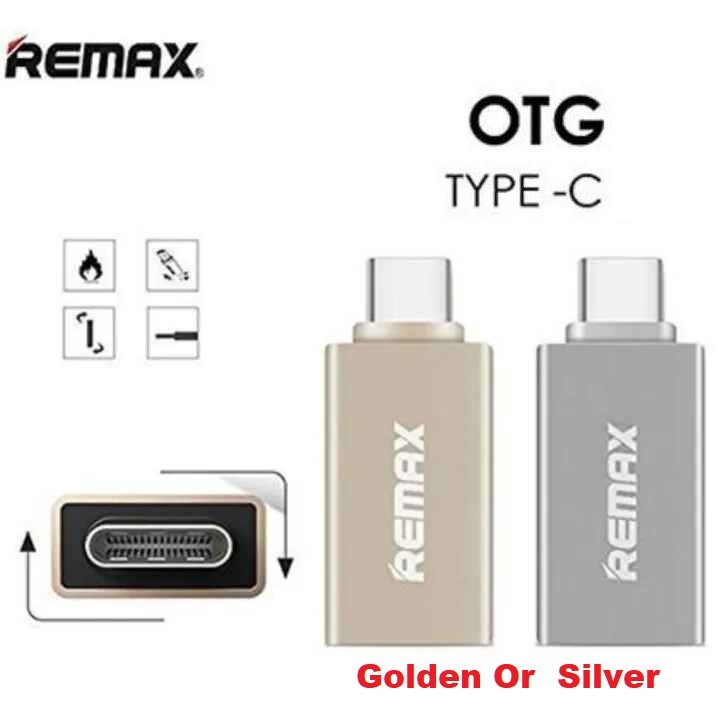
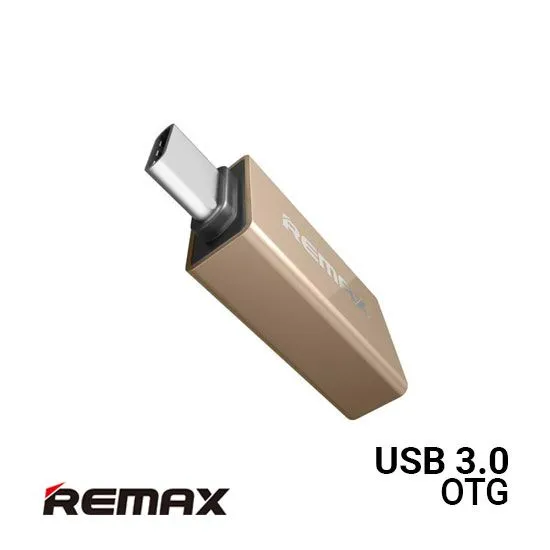
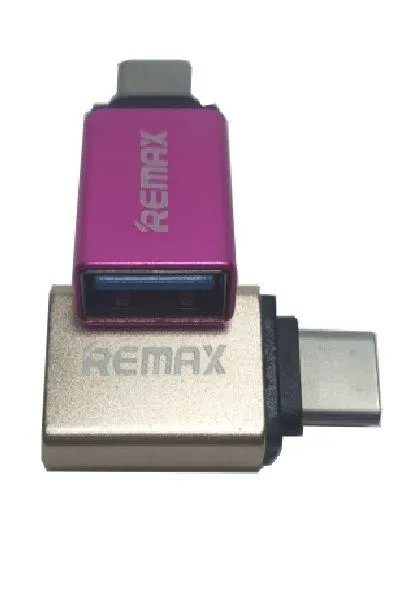
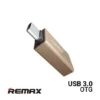
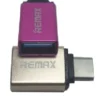
Trying to transfer large files, plug in a wired mouse or keyboard, or connect an external accessory on a modern USB-C phone fails quickly when a cheap OTG adapter has loose tolerances, poor contact plating, or slow data transfer. The Type-C OTG – Original Remex High-Speed Type-C to USB OTG Adapter for Android available at Rafiq Electronics lets you connect standard USB Type-A devices directly to USB On-The-Go (OTG) supported Android smartphones and tablets with clean, dependable data throughput. Built as an Original Remex accessory with a precision-molded USB Type-C male plug on one end and a USB Type-A female port on the other, this Type-C OTG adapter turns your phone into a host controller for flash drives, card readers, keyboards, mice, and compatible DIY/test peripherals. To understand how USB On-The-Go enables mobile devices to act as a USB host without a desktop computer, read about USB On-The-Go on Wikipedia.
Designed with a durable shell and snug connector contacts, this Type-C OTG adapter resists wiggling inside your phone’s charging port and maintains steady signal integrity during document transfers, photo backups, and peripheral use. Its compact, pocket-friendly form factor slips easily into a pouch, laptop bag, or repair kit so you always have a reliable USB-C host bridge ready on the go.
Android smartphone users, content creators moving footage off USB drives or memory card readers, students, and electronics tinkerers rely on this Type-C OTG adapter for fast, everyday mobile connectivity.
Whether you are copying files from a USB flash drive onto an Android phone, typing on an external keyboard, or connecting a wired mouse or compatible accessory, this Original Remex High-Speed Type-C to USB OTG Adapter offers a practical, plug-and-play connection.
Type-C OTG Connectivity & Build Advantages
-
High-Speed USB-C to USB-A Host Bridge: Converts a USB Type-C smartphone/tablet port into a standard USB Type-A female receptacle for quick data transfers and peripheral hookups.
-
Original Remex Fit & Finish: Snug plug engagement and sturdy housing help prevent accidental disconnects during active file transfers.
-
Wide Android OTG Device Support: Works with USB flash drives, SD/microSD card readers, wired/wireless USB dongles, keyboards, and mice on phones that support USB OTG.
-
Compact, Travel-Ready Form Factor: Lightweight and easy to carry alongside cables or power accessories without adding bulk.
-
Simple Plug-and-Play Operation: No external software or wall power needed for standard low-draw USB accessories.
Technical Specifications
| Parameter | Details |
| Product Name | Type-C OTG – Original Remex High-Speed Type-C to USB OTG Adapter |
| Brand | Remex (Original) |
| Connector A (Host Plug) | USB Type-C Male |
| Connector B (Device Port) | USB Type-A Female |
| Function | USB On-The-Go (OTG) Data & Accessory Host Adapter |
| Device Compatibility | OTG-Supported Android Smartphones & Tablets |
| Primary Applications | Flash Drives, Card Readers, Keyboards, Mice & Mobile File Transfer |
Practical Mobile, File Transfer & Bench Uses
-
Fast Mobile Backups & File Transfers: Plug in a USB thumb drive or card reader to move photos, videos, and documents directly on your Android phone without waiting on cloud uploads or PC cables.
-
External Peripherals & Mobile Work: Attach a USB mouse or keyboard to your phone or tablet for faster typing, spreadsheet editing, or mobile diagnostics.
-
Charging & Mobile Power Pairings: Keep your phone topped up while working on the move using our 12V Mobile Charger or keep compact charging leads handy like the 3-in-1 Keychain Charging Cable 15cm.
-
Bench Testing & Inspection: Use a DT830 Digital Multimeter when checking battery or DC supply voltage around your workspace, and store/pack accessories neatly with our 1 Inch Tape 50 Yard.
OTG Compatibility & Usage Tips
Confirm that your Android phone or tablet has USB OTG enabled in hardware/settings before connecting external drives or accessories, as some entry-level models do not support OTG host mode. Insert and remove the Type-C plug straight along the port axis rather than prying sideways, and avoid plugging high-current motors or heavy loads directly into a phone’s USB-C port so you do not overload the phone’s internal power rail.



Reviews
There are no reviews yet.