


Description
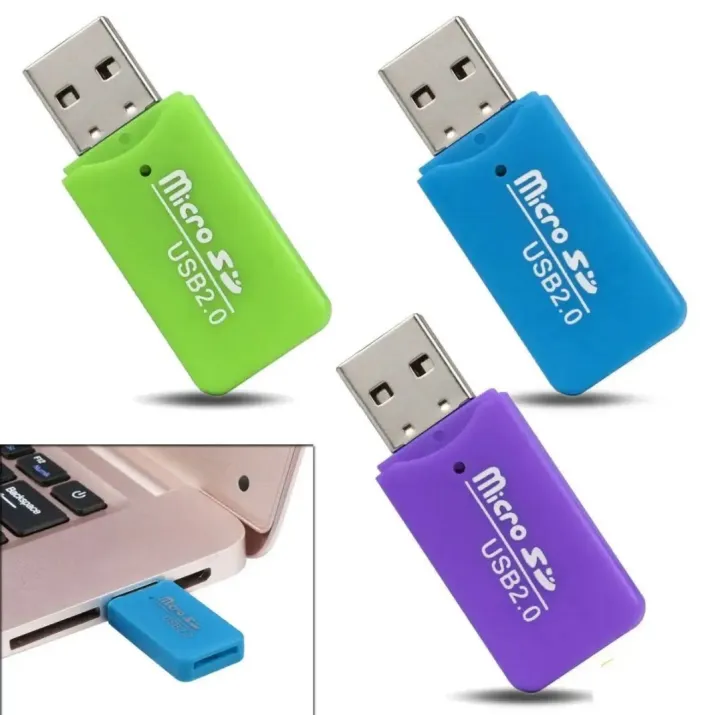
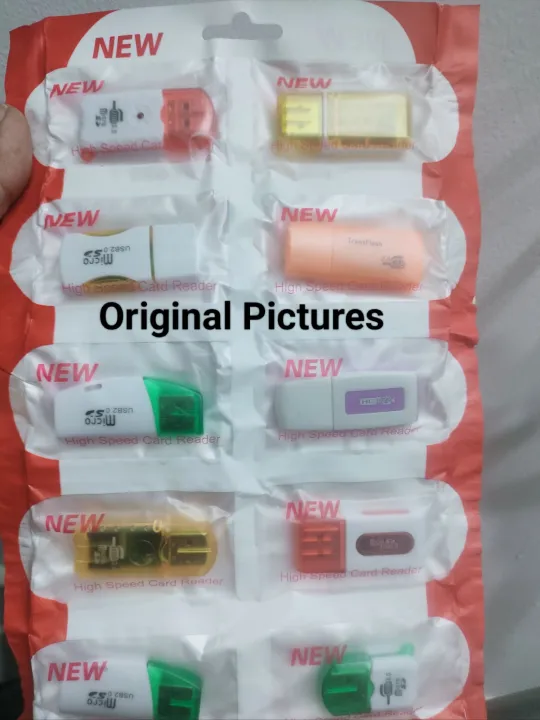
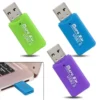
Trying to pull photos, dashcam clips, CCTV footage, or firmware files off a memory card without a built-in card slot on your laptop or desktop slows down your workflow and forces messy phone-to-PC cables. The Micro SD Card Reader – USB 2.0 Plug & Play Memory Card Adapter for TF & SD Cards available at Rafiq Electronics lets you read and write Micro SD (TF) and standard SD / SDHC / SDXC memory cards directly through any standard USB 2.0 Type-A port with instant plug-and-play recognition. Built with a compact, pocket-friendly shell and precision spring-contact card slots, this Micro SD Card Reader transfers documents, audio files, camera footage, and Raspberry Pi or 3D-printer G-code files cleanly across Windows, macOS, Linux, and OTG-enabled Android devices. To learn how Secure Digital and MicroSD flash storage formats interface with USB host adapters, read about Memory Card Readers on Wikipedia.
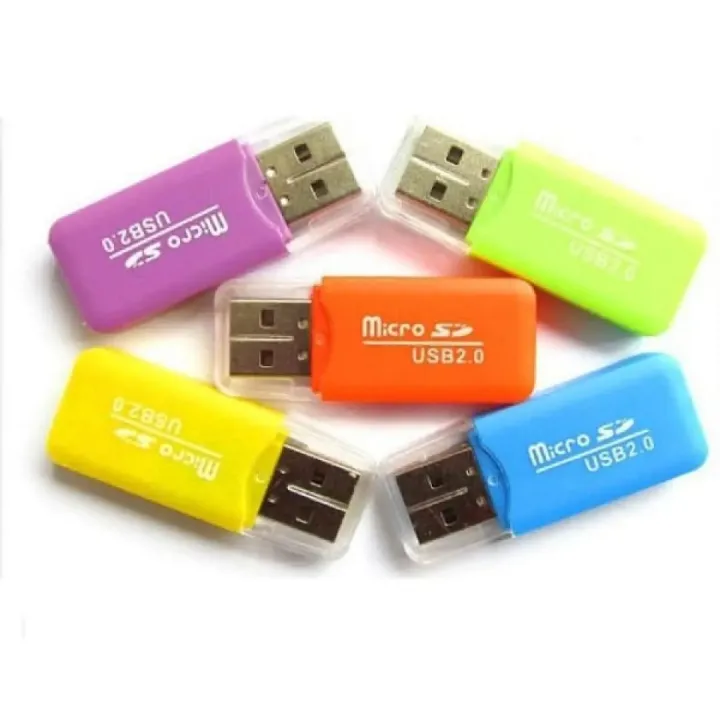
Designed with a protective USB cap to keep dust and pocket lint out of the gold-plated USB contacts, this Micro SD Card Reader features an integrated activity indicator and snug card seating so cards do not disconnect mid-transfer. Its slim footprint sits neatly beside neighboring USB ports without blocking adjacent flash drives or mouse receivers, making it an essential everyday accessory for laptops, desktop PCs, car audio systems, and mobile OTG setups.
Photographers, CCTV/dashcam installers, students, Raspberry Pi & 3D printer makers, and smartphone users rely on this Micro SD Card Reader whenever fast, driver-free card access is needed.
Whether you are flashing an OS image onto a Micro SD card, transferring mobile media to your PC, or checking security camera storage, this USB 2.0 Plug & Play Memory Card Adapter delivers reliable everyday data access.
Micro SD Card Reader Connectivity & Usability Advantages
-
Universal USB 2.0 Plug & Play Interface: Works immediately on Windows, macOS, Linux, smart TVs, and car USB players without installing external drivers.
-
Micro SD (TF) & SD Card Support: Reads and writes common Micro SD, TF, SDHC, and SDXC memory cards used in smartphones, cameras, dashcams, and MP3 players.
-
Compact, Dust-Protected Housing: Slim lightweight body with a removable USB connector cap slips easily into a wallet, laptop sleeve, or tool pouch.
-
Snug Card Slot Retention: Firm internal contact pins prevent intermittent disconnects while copying large video files or flashing firmware images.
-
Mobile OTG Ready: Pairs seamlessly with USB OTG adapters so you can access camera or dashcam cards directly on an Android smartphone.
Technical Specifications
| Parameter | Details |
| Product Name | Micro SD Card Reader – USB 2.0 Plug & Play Memory Card Adapter |
| Host Interface | USB 2.0 Type-A Male (Backward Compatible with USB 1.1 / USB 3.0 Ports) |
| Supported Card Formats | Micro SD / TF Cards (and Standard SD / SDHC / SDXC via Slot/Adapter) |
| Driver Requirement | Driverless Plug & Play (Windows, macOS, Linux & OTG Android) |
| Protective Feature | Removable Dust Cap for USB Type-A Plug |
| Primary Applications | File Transfers, Dashcam/CCTV Playback, Raspberry Pi & 3D Printer Cards |
Practical PC, Mobile OTG & Maker Applications
-
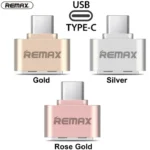
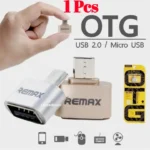
Direct Smartphone Card Access via OTG: Pair this USB 2.0 reader with our Type-C OTG or Micro USB OTG Adapter to view dashcam, drone, or camera Micro SD footage straight on your Android phone.
-
Raspberry Pi, Arduino Data Logging & 3D Printing: Flash operating system images or load G-code print files quickly on your PC before inserting the Micro SD card into embedded boards and 3D printers.
-
Mobile & Bench Charging Accessories: Keep your phone or portable setup powered while transferring files on the road using our 12V Mobile Charger or compact 3-in-1 Keychain Charging Cable 15cm.
-
Workspace Organization: Keep small card readers and spare memory cards organized on your desk or toolkit alongside everyday utility items like our 1 Inch Tape 50 Yard.
Safe Card Insertion & Ejection Guidelines
Always insert only one memory card at a time in the proper orientation without forcing it, and use the “Safely Remove Hardware / Eject” option on your computer or phone before unplugging the Micro SD Card Reader. Pulling the adapter out while files are actively writing can corrupt the card’s file system, and keeping the protective USB cap fitted when not in use prevents dust or moisture from oxidizing the USB contacts.


Reviews
There are no reviews yet.